


Beware of Shopping Scams: Protect Your Information Best Practices
Nov 10, 2026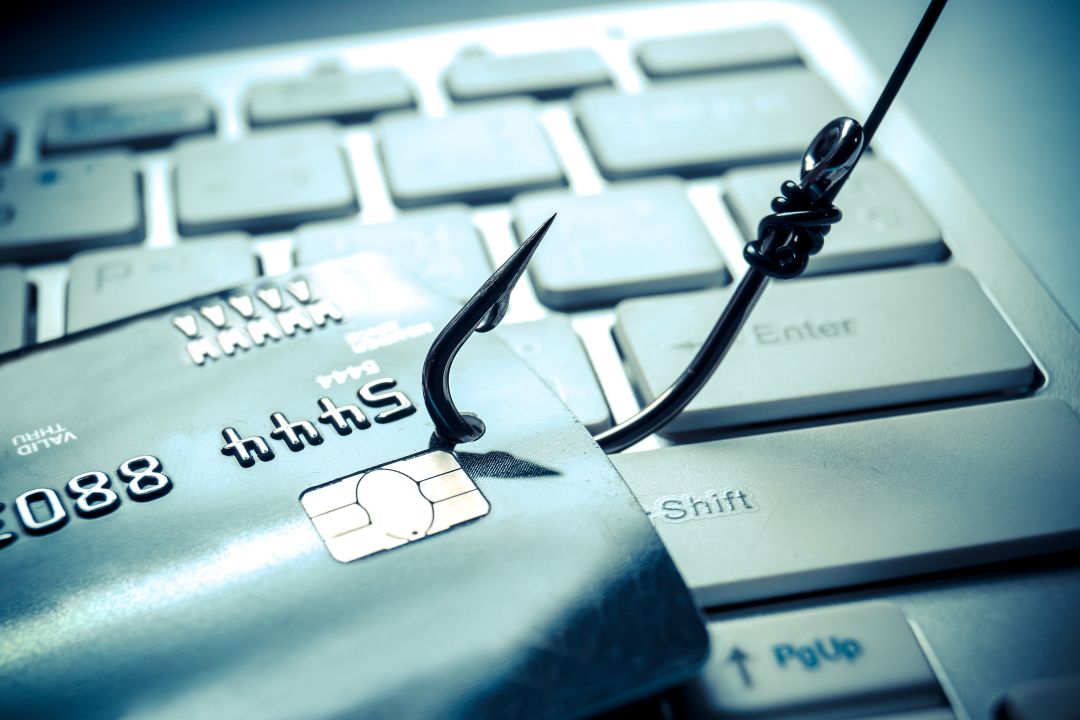
The end of the year and holiday season offers plenty of shopping deals but hiding amongst those discounted prices are cybercriminals shopping for your data. This is why it's crucial to follow these best practices to avoid getting your information stollen and potentially compromising university systems.
Best Practices for Faculty and Staff:
- Use the right device: Never use your university-provided device for personal tasks. If you click on a fake store website while using your work computer, you may accidentally provide a cyber threat access to university information.
- Follow the university procurement processes: All university purchases should go through the secure CU Marketplace with your university account. Review the Procurement Service Center guidelines for more information.
Best Practices for Everyone:
- Check before you click: Cybercriminals will create fake websites and payment portals with enticing deals to drive people to click on them and enter their information.
- Double check the URL before clicking on it.
- Hover over any links to see the URL pathway before clicking with your mouse or pressing and holding the link on a phone.
- Double check the URL before clicking on it.
- Patch your devices: Make sure the latest security patches have been installed on all your devices and applications. These patches help protect your information and reduce the impact of clicking on a malicious website or link.
- When in doubt, report it: If something seems like phishing or just doesn’t sit right with you, report it. You can report a phishing email directly through Outlook or a smishing text through your phone carrier.
Take the extra time to make sure you keep your information, and the university's, secure.
Categories:
Cybersecurity Awareness
IT Best Practices
Phishing/Smishing
|