We’re consolidating the ISS, OIT and ISIC websites into one simplified site, making it easier to find services, resources and support. Launching mid‑July 2026.
Information Strategy and Services (ISS) has created a unified brand identity. As part of this initiative, we are redesigning our websites and consolidating from three separate sites (OIT, ISS, ISIC) to one unified ISS site for an easier, more direct user experience. Our new website launches mid-July 2026.
Effective July 1, 2026, the videoconferencing rates will be changing. Core education courses will remain free of charge, and a service for commercial customers will be added to the available options.
All reservations that occur on and after July 1st will be billed at the new rate.
We are continuing to iterate based on your feedback to ensure the Service Portal is tailored to your needs. We have developed materials to assist you with this change, please review the following for help navigating the new portal.
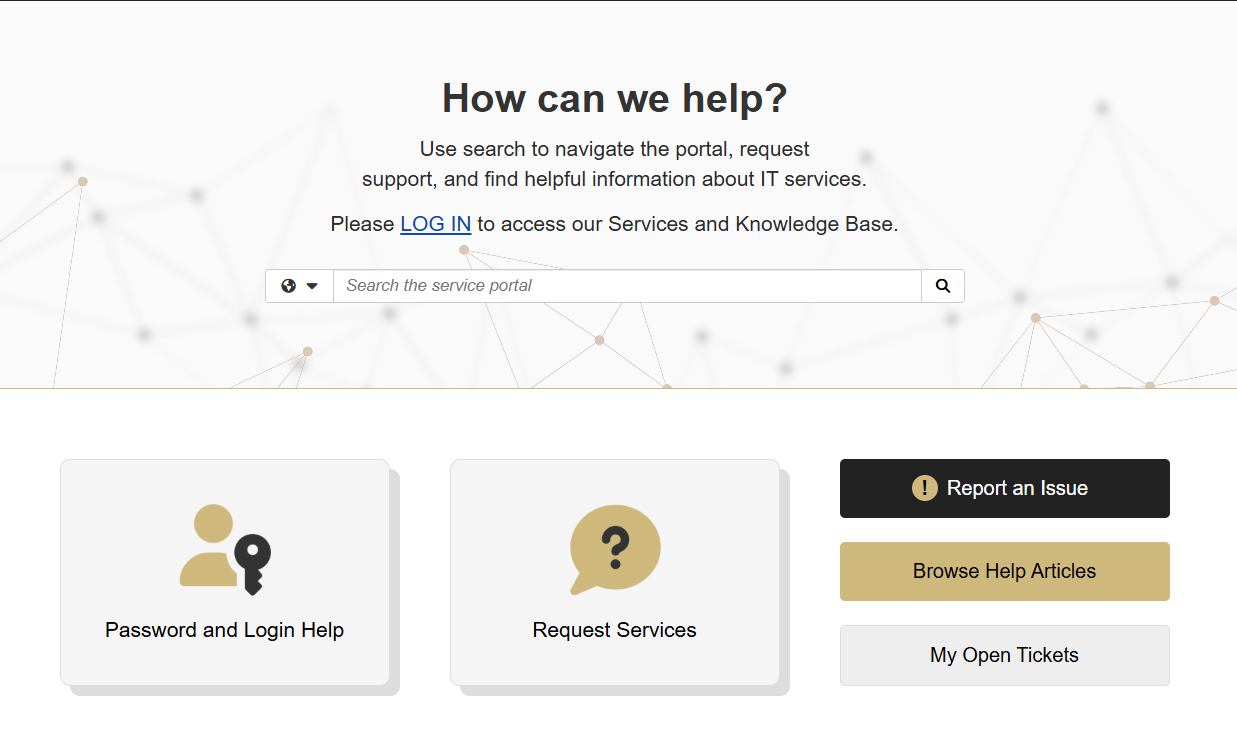
In April 2026, the current service system is being transitioned to a new service management platform. The new Service Portal will have tools, a service catalog and a comprehensive knowledge base to help you get what you need all in one place.
Information Strategy and Services (ISS) serves both the CU Anschutz and CU Denver campuses and encompasses the units previously identified as OIT, ISIC and IDEA. Over the course of 2026, we will be removing our individual unit names (OIT, ISIC, IDEA) and will be one ISS.
Grammarly is available for purchase in the CU OnTheHub software store at a discounted rate of $36 per user, per year. Grammarly is available to all university faculty, staff and students.
In December 2025, the paid license of Microsoft 365 Copilot has been reduced to $216 per user per year. To procure a secure Microsoft 365 Copilot license, please visit the CU OnTheHub software store.
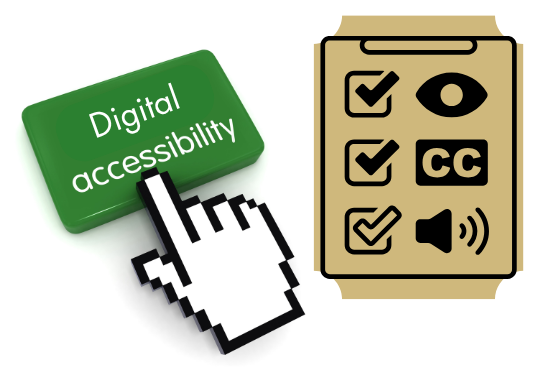
CU Anschutz has made meaningful progress in advancing digital accessibility. These efforts reflect our shared commitment to creating a digital environment with equal access for all.
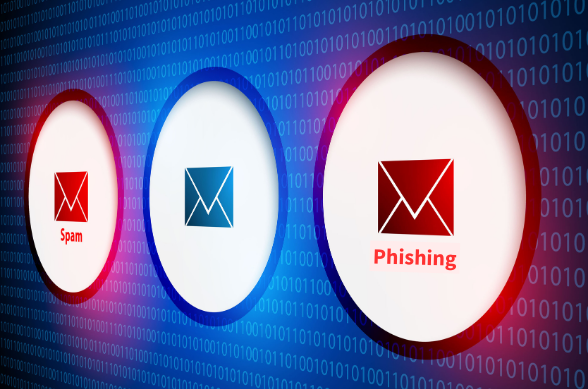
AI has changed the game so cybercriminals can quickly generate professional-looking emails that mimic trusted organizations and make phishing messages feel more personal, urgent, and convincing.
As part of the brand unification, the current ISIC website will be consolidated to be part of one unified ISS site for a more direct user experience. The new website launches mid-July 2026.
Most cybercriminals will use phishing and smishing attempts to trick you into giving them more information that they will use to steal your identity or to gain unauthorized access into university computer systems. Use the best practices to keep your information secure.
The technology risk assessment process is separate from the procurement process, so please plan accordingly to ensure there is enough time for both in your fiscal year planning.
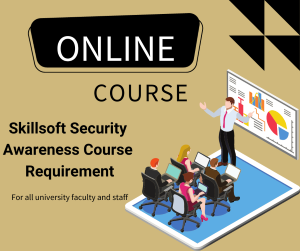
POIs are now required to take the same Security Awareness Training as faculty and staff within 60 days after they start with the university, and every two years they continue to work with the university.
Making sure you install updates on your personal devices as soon as they are available keeps your confidential information (passwords, money, identity) secure from cybercriminals.
To retake a course, you will need to follow these steps in order for it to accurately track your latest attempt and show that you completed the required training.
To protect university information and secure your purchases, it’s always important to follow Procurement Service Center purchasing guidelines and best practices. CU Marketplace is the university’s official procurement system.
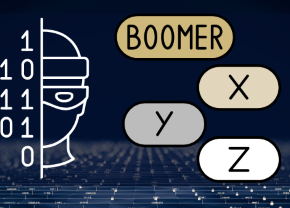
A recent Cybersecurity Awareness Month study completed by SANS Institute for Cybersecurity Training and Degrees revealed that different generations face different risks online.







.png?sfvrsn=a9cdeb4_1 "New service (1)")