

AI-Powered Phishing Threats
Jun 24, 2026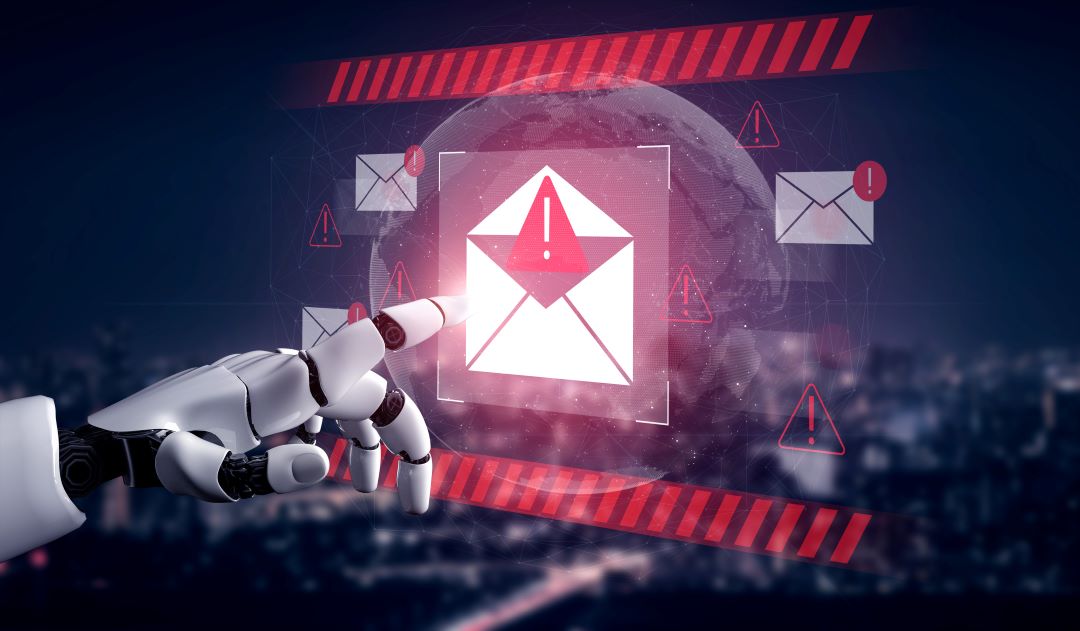
With the broad availability of Artificial Intelligence (AI), the typical tell-tale signs of bad grammar and spelling in a phishing message are no longer reliable indicators. AI has changed the game so malicious actors can quickly generate professional-looking communications that mimic trusted organizations or individuals to trick people into sharing information, credentials, money or downloading malware. AI can also make phishing messages feel more personal, urgent, and convincing by using names, roles, or familiar university language.
How to protect yourself from an AI phishing message:
Check for external sender warnings and Microsoft email banners that indicate the sender may be unfamiliar.
Verify the sender's email address matches what you expect or have saved for that contact not just the display name. Attackers may impersonate supervisors or known contacts.
Be cautious of unexpected requests involving passwords, MFA codes, money or sensitive information.
Hover over links before clicking to verify the link is safe.
Verify requests through a trusted communication method if something seems unusual.
AI has made it more challenging to spot a phishing message, but the best practices for protecting your information still apply.
Multi-Factor Authentication (MFA) Push remains one of the most effective ways to protect your accounts.
Do not approve any MFA requests that you did not initiate and do not share MFA codes.
When in doubt, stop and verify.
Report suspicious calls, texts and MFA prompts by calling the Service Desk at 303-724-4357.
Remaining vigilant and following best practices will help keep your and the university’s information secure.
.png?sfvrsn=a9cdeb4_1 "New service (1)")