

Headings are the titles and subtitles that organize the content of a document or webpage. They provide structure and help readers understand how information is grouped and related.
Headings are usually visually styled to stand out (for example, larger or bold text). This helps sighted people to quickly skim a document and jump to sections. When headings are properly applied (or tagged), assistive technology users can use headings in a similar way. Properly tagged headings can also automatically generate an accurate table of contents in tools like Microsoft Word.
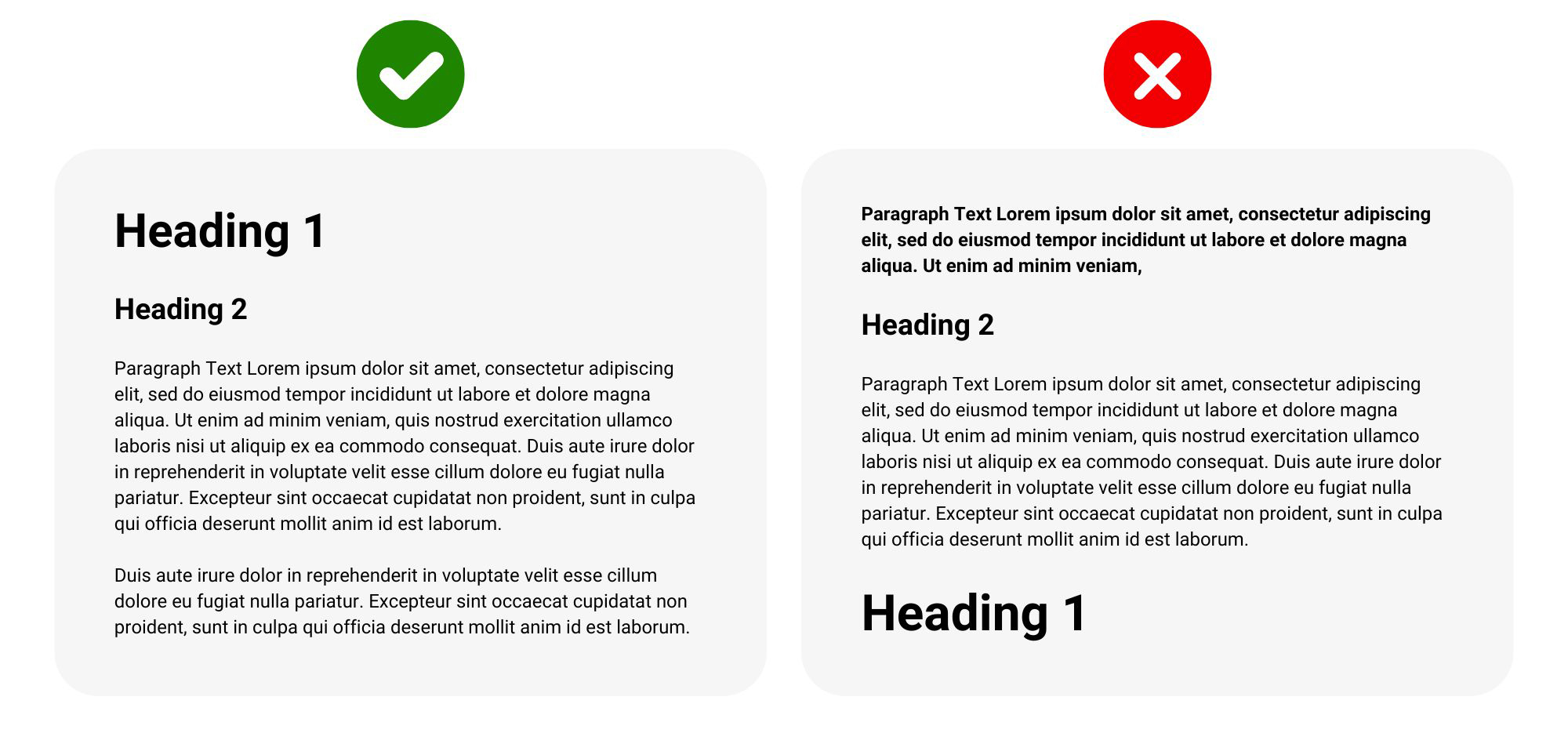
Headings greatly enhance accessibility when they are set up correctly. Without correctly tagged headings, screen reader users may need to read through large amounts of content just to find a specific section.
Properly tagged headings:
Headings should follow a logical hierarchical order, starting with heading level 1.
The following is an example of proper heading structure. Note how each more specific heading level is a subsection of the heading under which it is nested.
Using headings in this way is a key component of accessible digital content.
Applying (or tagging) headings varies by tool but is often fairly simple. Typically, you can select text and then apply the appropriate heading level from a menu, or you can select the appropriate heading level from the menu and then type the text.
Here are some tool-specific tutorials for applying headings: